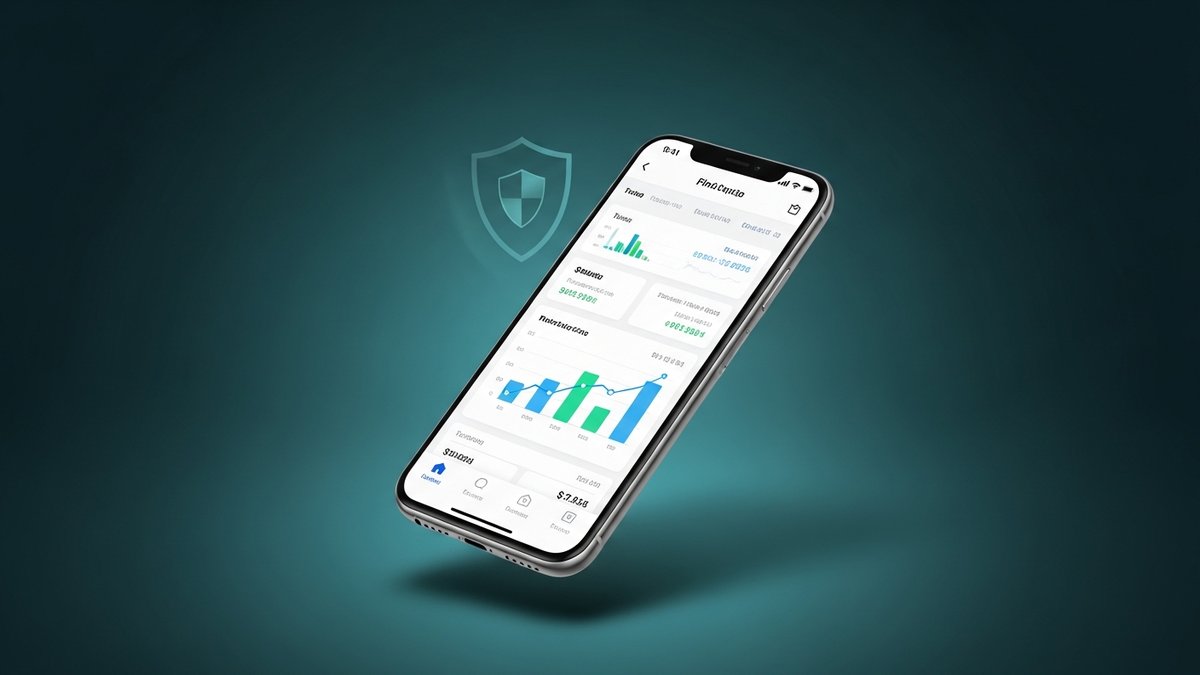
When a fintech startup approached us to build their mobile banking application, we knew the stakes were high. Financial apps don't get second chances — a single crash during a money transfer can destroy user trust permanently. This is the story of how we built an app that has maintained 99.9% uptime since launch, serving thousands of daily transactions.
The Challenge
Our client needed a mobile banking app that could:
- Handle real-time peer-to-peer money transfers
- Process bill payments and scheduled transactions
- Display live account balances and transaction history
- Support biometric authentication (fingerprint + face ID)
- Work reliably on devices with poor network connectivity
- Meet banking-grade security and compliance requirements
The timeline? 4 months from kickoff to app store submission. With Flutter, we delivered in 3.5 months.
Architecture Decisions
For a mission-critical financial application, architecture isn't something you can iterate on later. We spent the first two weeks designing the system before writing a single line of feature code.
Clean Architecture with Feature-First Structure
We organized the codebase into features, each containing its own data, domain, and presentation layers. This isolation meant that a bug in the bill payment module couldn't cascade into the transfer module.
lib/
├── core/
│   ├── network/
│   ├── security/
│   ├── storage/
│   └── utils/
├── features/
│   ├── auth/
│   ├── dashboard/
│   ├── transfers/
│   ├── bills/
│   └── settings/
└── shared/
    ├── widgets/
    └── models/
Offline-First Approach
Banking apps in regions with unreliable internet need to work offline. We implemented a queue-based system where transactions are stored locally and synced when connectivity returns. This was critical for our client's target market where 3G is still common.
"The offline capability was a game-changer. Our users in rural areas can initiate transfers even without internet, and they process automatically when connectivity returns." — Client CTO
Security Measures
Banking-grade security requires multiple layers of protection. Here's what we implemented:
1. Certificate Pinning
We pinned our SSL certificates to prevent man-in-the-middle attacks. Even if a user's device has a compromised CA certificate, the app will refuse to communicate with impersonators.
2. Encrypted Local Storage
All sensitive data stored on-device uses AES-256 encryption with keys stored in the platform's secure enclave
(Keychain on iOS, Keystore on Android). We used flutter_secure_storage with custom encryption
providers.
3. Biometric Authentication
We implemented multi-factor authentication combining PIN codes with biometric verification. The biometric data never leaves the device — it's verified entirely by the platform's secure enclave.
4. Session Management
Auto-logout after 5 minutes of inactivity, token rotation on every API call, and device binding that alerts users when their account is accessed from a new device.
5. Root/Jailbreak Detection
The app detects rooted/jailbroken devices and limits functionality accordingly, protecting against reverse engineering and data extraction.
Testing Strategy
For a financial app, "it works on my machine" isn't acceptable. Our testing pyramid:
- Unit Tests (400+): Every business logic function, every data transformation, every edge case
- Widget Tests (200+): Every screen, every user interaction path
- Integration Tests (50+): End-to-end flows including login → transfer → confirmation
- Security Tests: Penetration testing by a third-party security firm
We achieved 92% code coverage and set a minimum threshold of 85% — any PR dropping below that threshold was automatically rejected.
Performance Optimizations
Financial data changes constantly. Here's how we kept the app responsive:
- Lazy loading: Transaction history loads in pages of 20, with infinite scroll
- WebSocket connections: Real-time balance updates without polling
- Image optimization: Receipts and documents compressed client-side before upload
- Widget rebuild minimization: Strategic use of
constconstructors andSelectorwidgets
The Results
After 6 months in production:
- 99.9% uptime — only 43 minutes of downtime (server-side, not app crashes)
- 4.8 star rating on both App Store and Google Play
- 0 security incidents — passed 3 independent audits
- 50,000+ daily active users
- Average session crash rate: 0.02%
Lessons Learned
- Invest heavily in architecture upfront. The two weeks we spent designing saved us months of refactoring.
- Test transactions with real money. Our staging environment used real (tiny) transactions to catch edge cases simulators miss.
- Plan for poor networks. The offline-first approach wasn't in the original spec, but we insisted on it. It became one of the app's biggest selling points.
- Security is not a feature, it's a foundation. We built security into the architecture from day one, not as an afterthought.
🏦 Building a fintech app?
We've built 12+ financial applications with zero security incidents. Schedule a free consultation to discuss your requirements.